

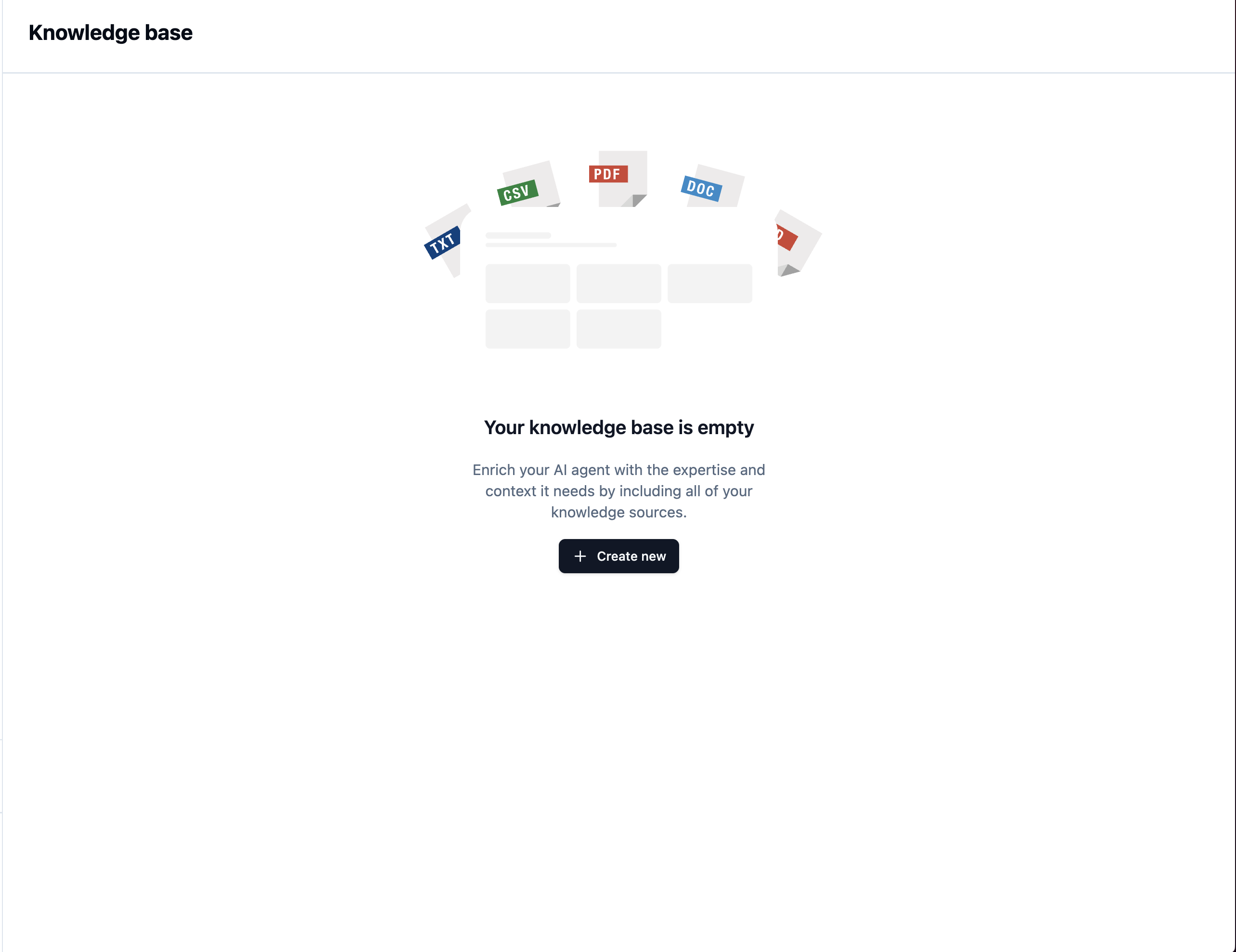
What can you include?
- Product Guides — Manuals, specifications, and how-to documentation
- FAQs & Support — Common questions and troubleshooting articles
- Policies & Pricing — Return policies, terms of service, and pricing sheets
- Internal Procedures — Guidelines and reference material your team uses
Create Your First Knowledge Base
1. Navigate to Knowledge Base
Head over to the Knowledge Base tab in your dashboard.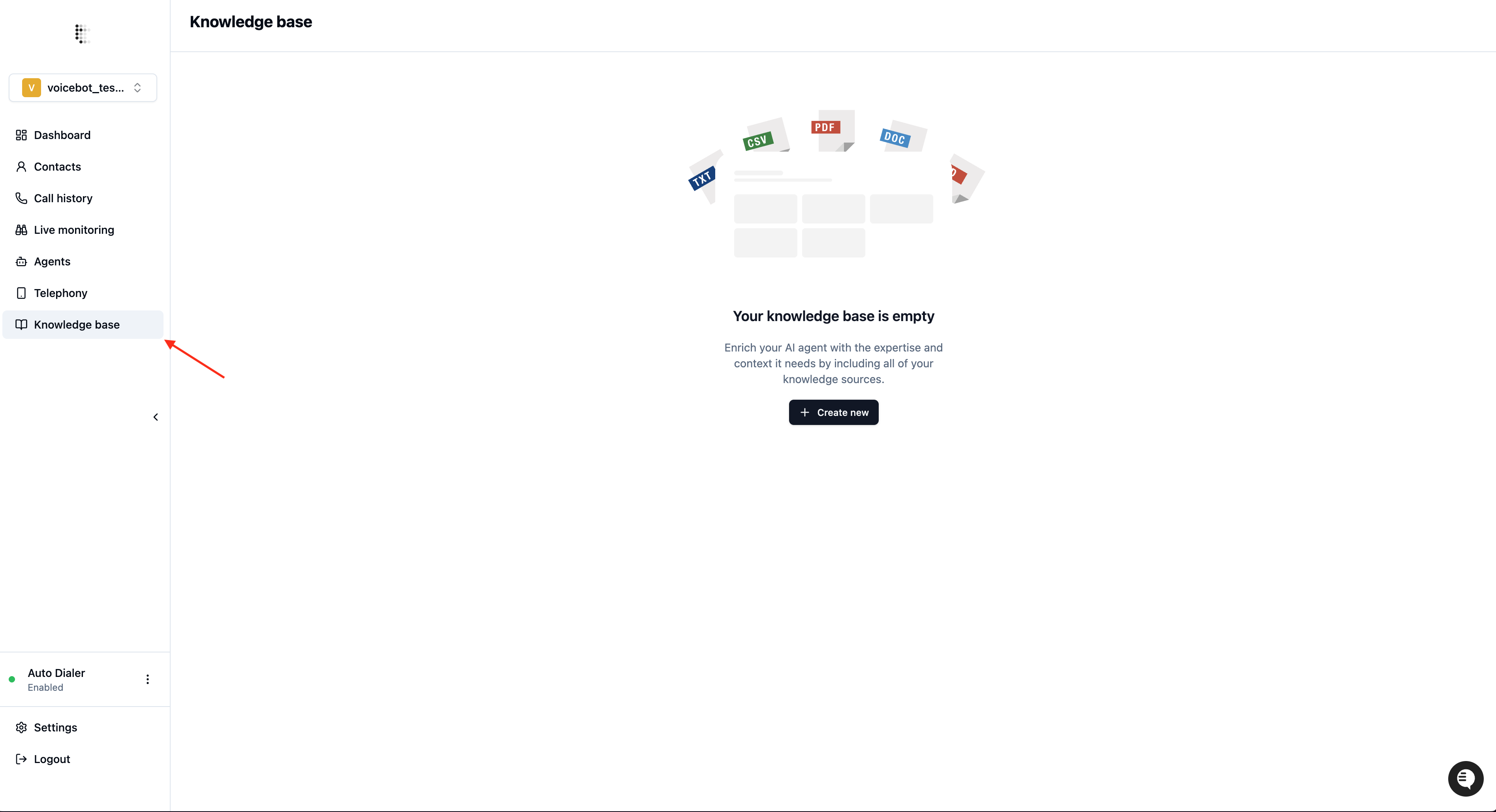
2. Upload Your Documents
Enter a name for your Knowledge Base and upload your documents.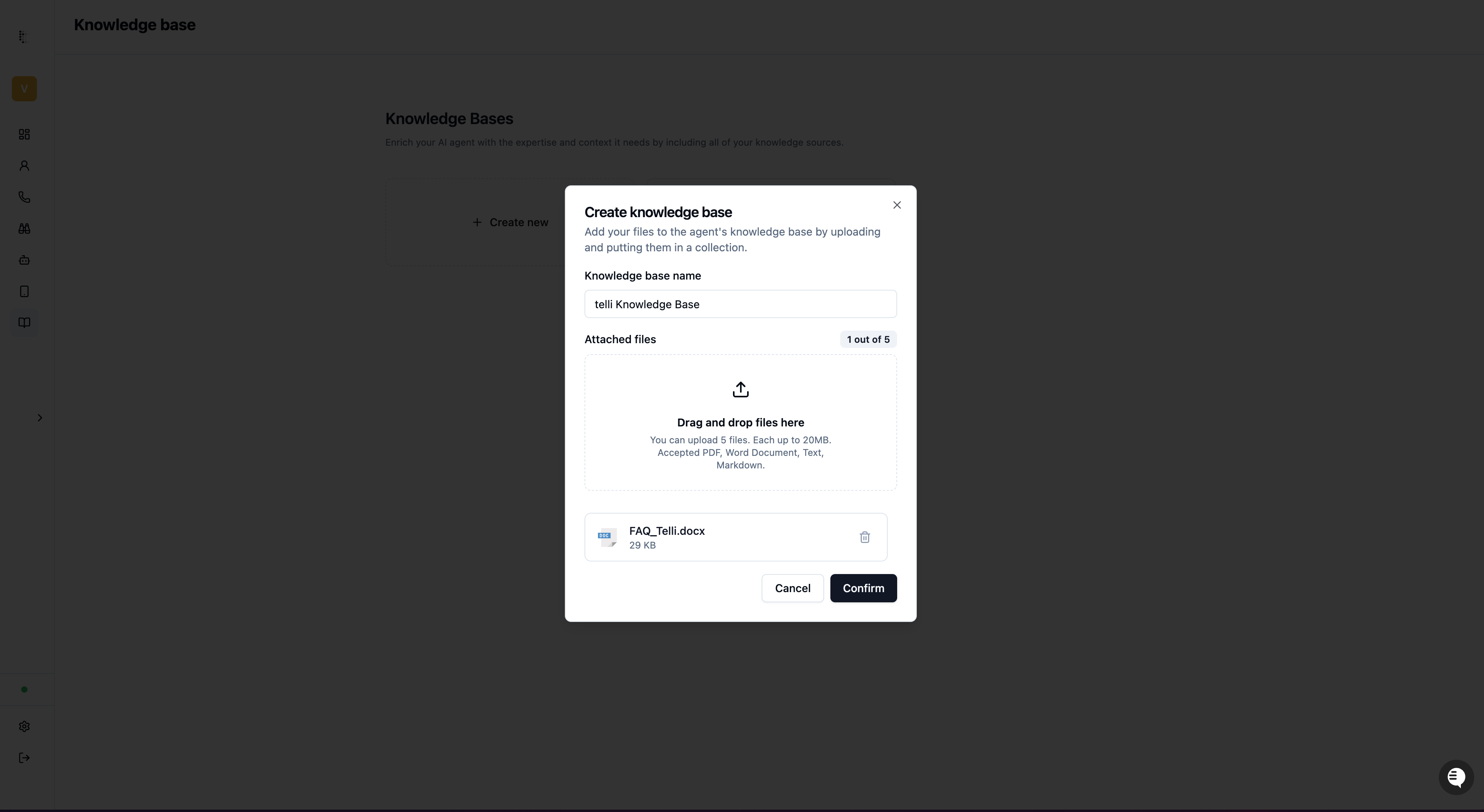
3. Wait for Processing
Once uploaded, we automatically process your documents and make them searchable by your AI agent. This usually takes just a few moments.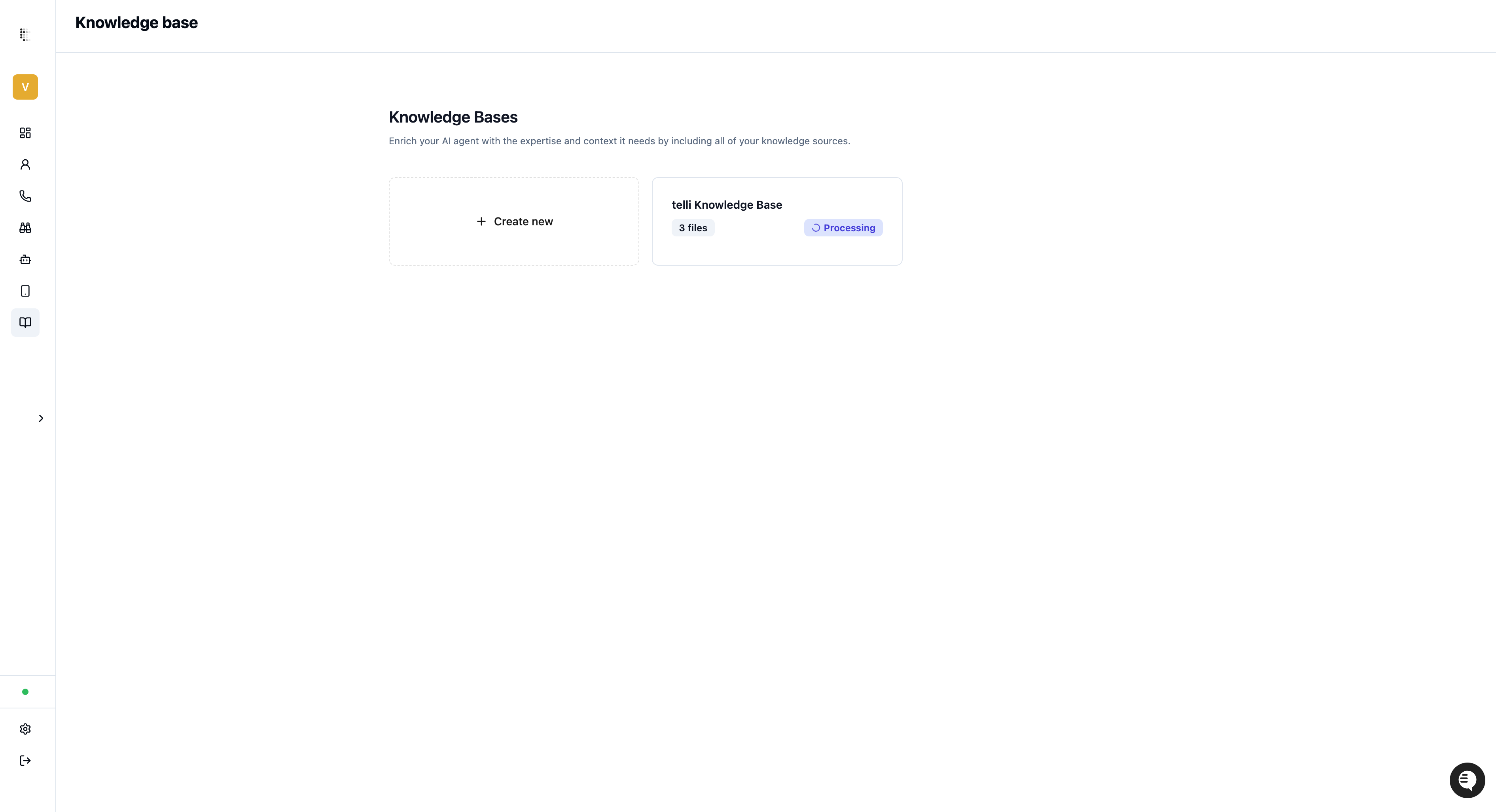
4. Assign to Your Agent
Once processing is complete, assign the Knowledge Base to your AI agent in Agent Settings.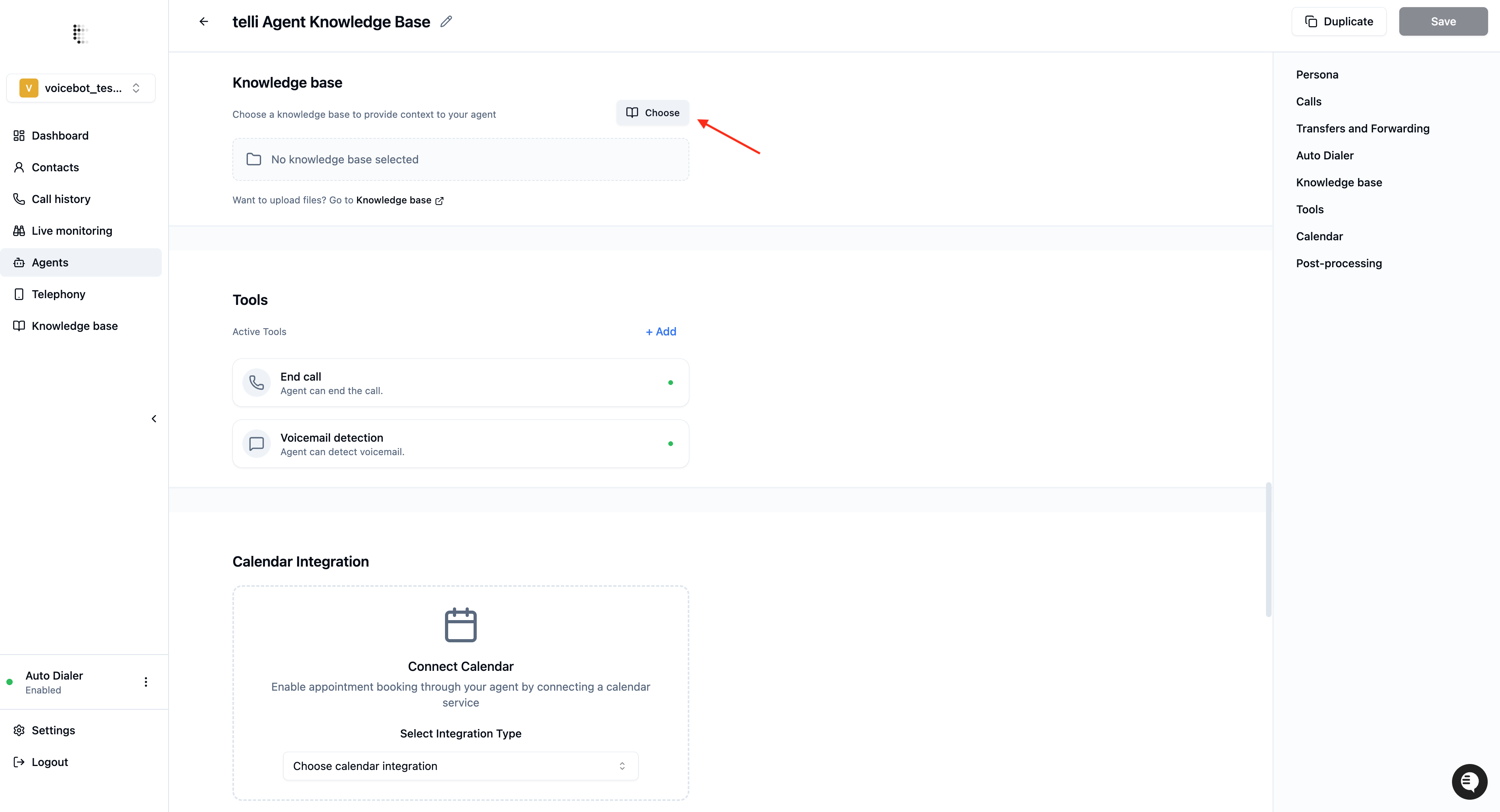
Updating Your Knowledge Base
You can update your Knowledge Base at any time by clicking on it from the Knowledge Base tab. From there you can:- Edit the name of the Knowledge Base
- Add new documents
- Remove existing documents
- Test what your agent finds: open the Test search tab, enter a question and keywords, and see the passages your agent receives
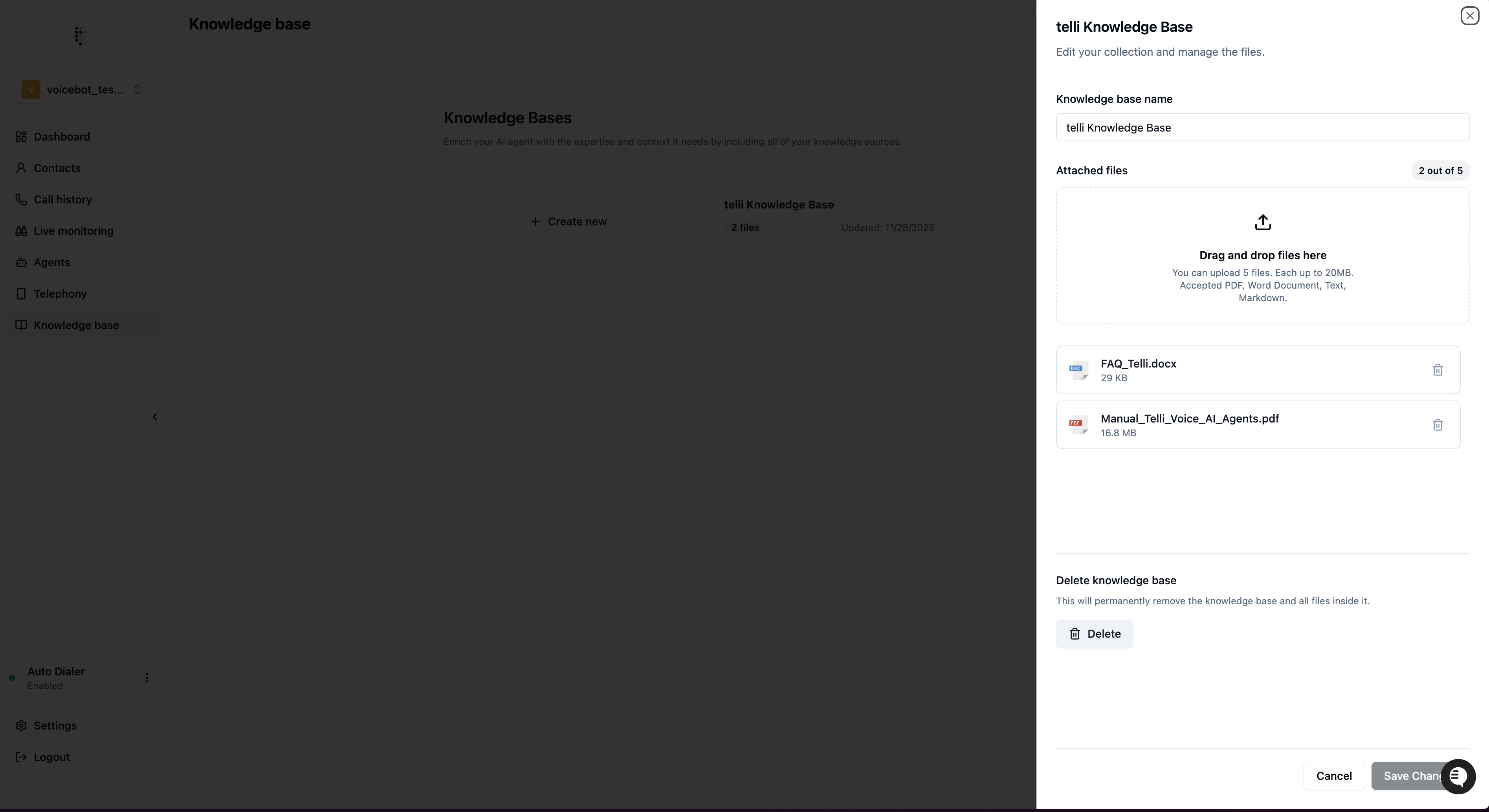
Note: Every time you update your Knowledge Base, we automatically re-process the documents to ensure your AI agent always has access to the latest information.
How Your Agent Uses the Knowledge Base
During a conversation, your AI agent can search through the Knowledge Base to find relevant information. Think of it like an employee checking their notes or looking something up in a handbook. You can guide how your agent communicates this to customers through your agent’s prompt. For example:
This makes the conversation feel more natural and sets expectations for the customer while the agent retrieves the information.
Supported File Types
- Best Practices
- Good to Know
Start with your most frequently asked customer questions. Make sure the answers to those are in your uploaded documents for the best results.