


Overview
telli connects to bookingtime as an app you install into your organization. Once installed, you sign in to bookingtime once from telli to confirm which organizations are yours. An agent can then read your live availability and book appointments directly into your bookingtime calendar while it is still on the phone with the caller. You connect bookingtime once per telli account. For each calendar on an agent, select a connected organization and the appointment type it books.Before you start
- A telli agent that should book appointments
- A bookingtime organization, with admin access to its Store
- At least one active appointment template in bookingtime, under Settings → Appointment templates
- The telli installation key below, also available in telli under Settings → Integrations → bookingtime
Install the telli app in bookingtime
1
Open the Store
In bookingtime, go to Store → Apps, then choose Install with key in the top right.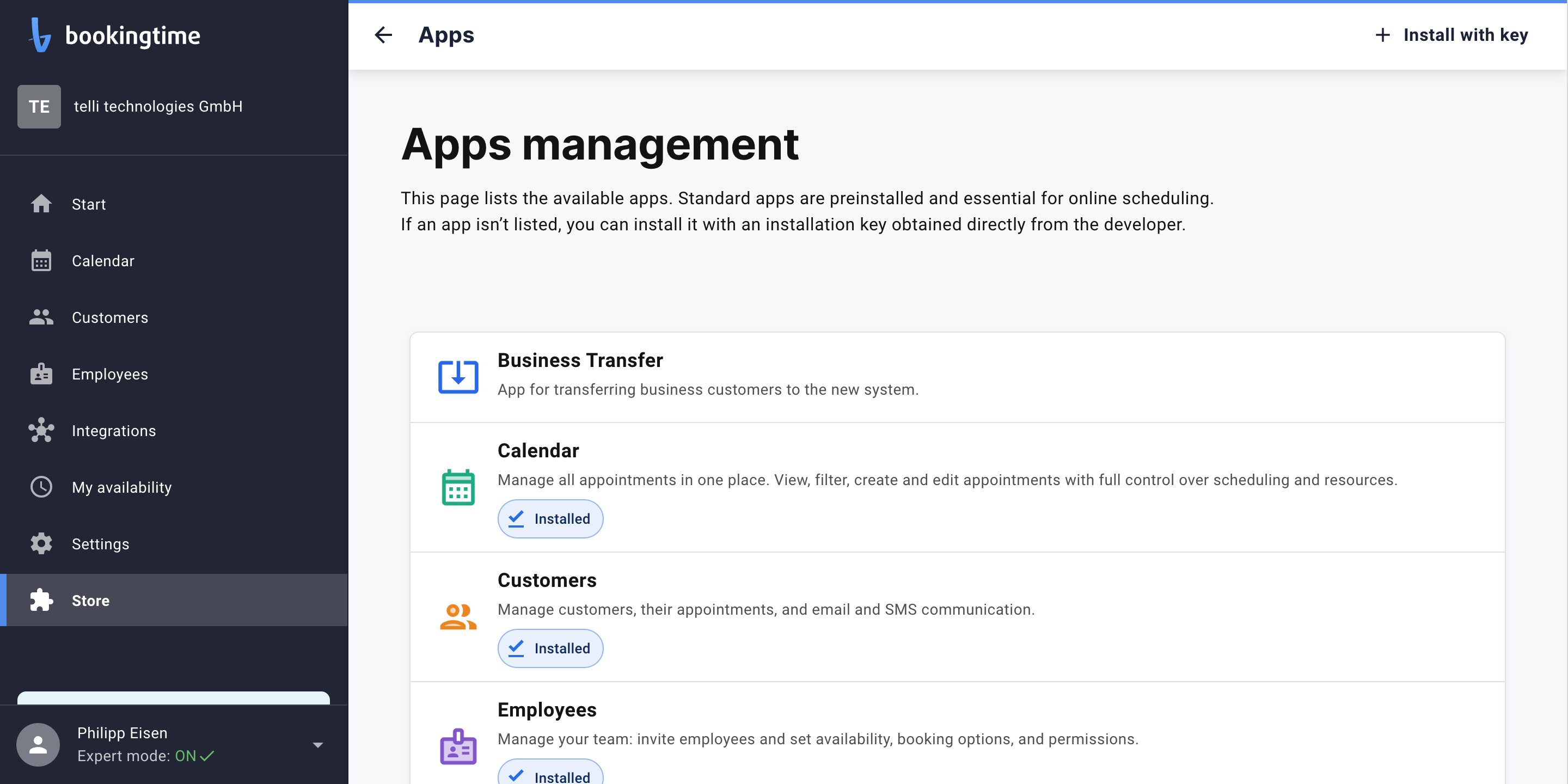
2
Enter the installation key
Copy and paste this 64-character installation key, then choose Next.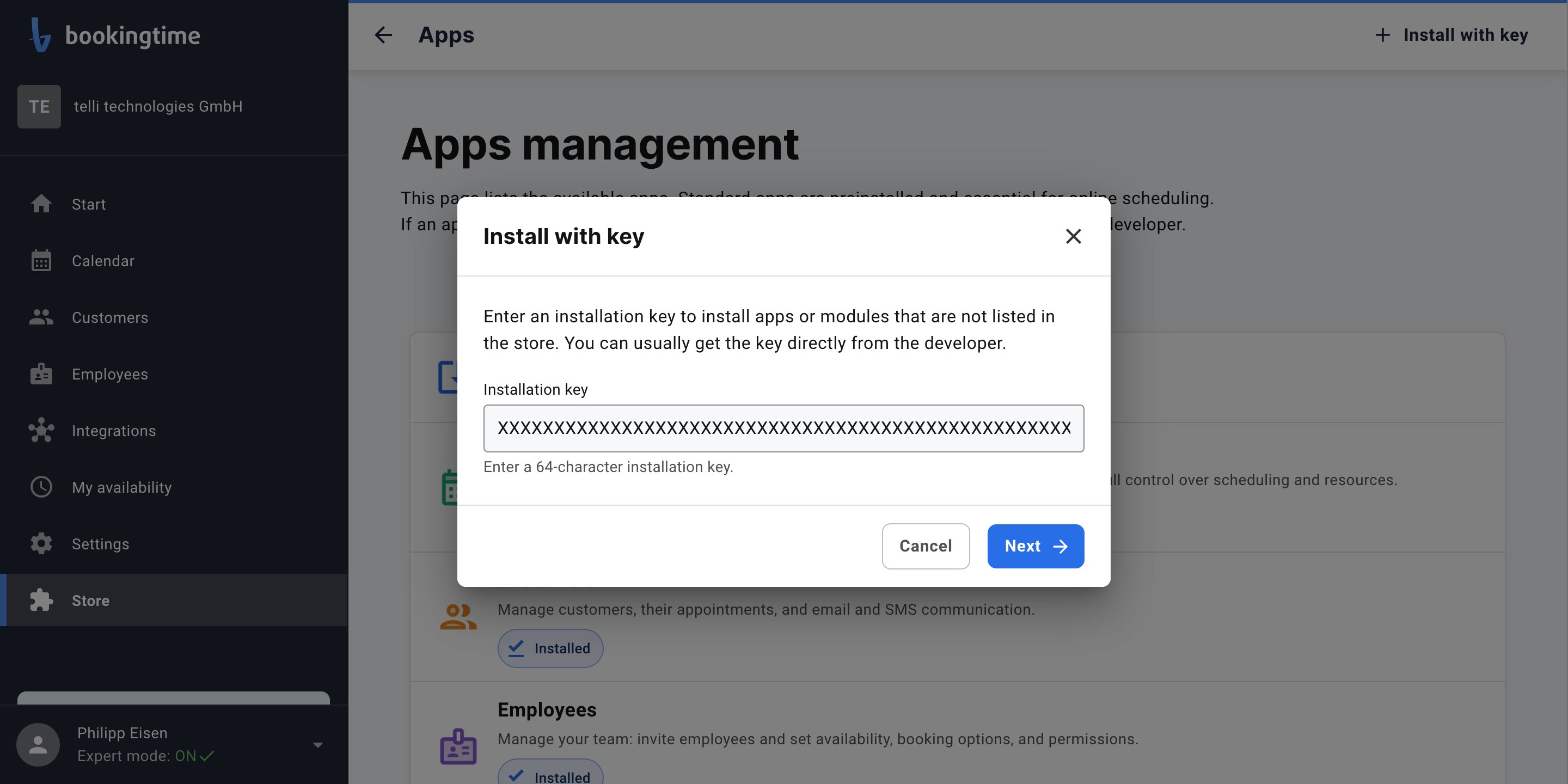
3
Review the permissions
bookingtime shows what the app can do before you install it. Expand Permissions to see the full list.
telli asks for the access it needs to read availability and make a booking, and nothing else.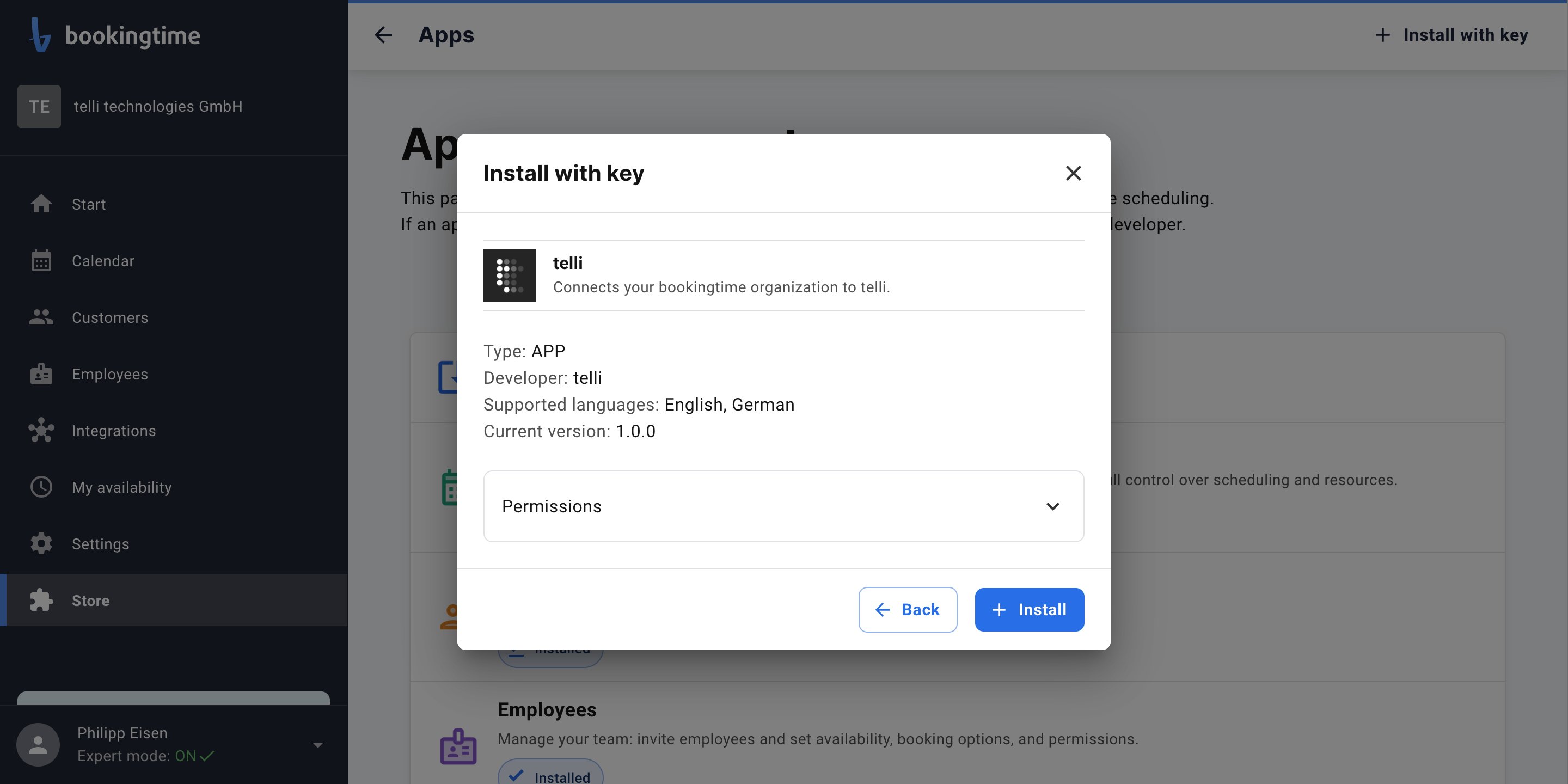
4
Install
Choose Install. The app appears in your Apps list straight away.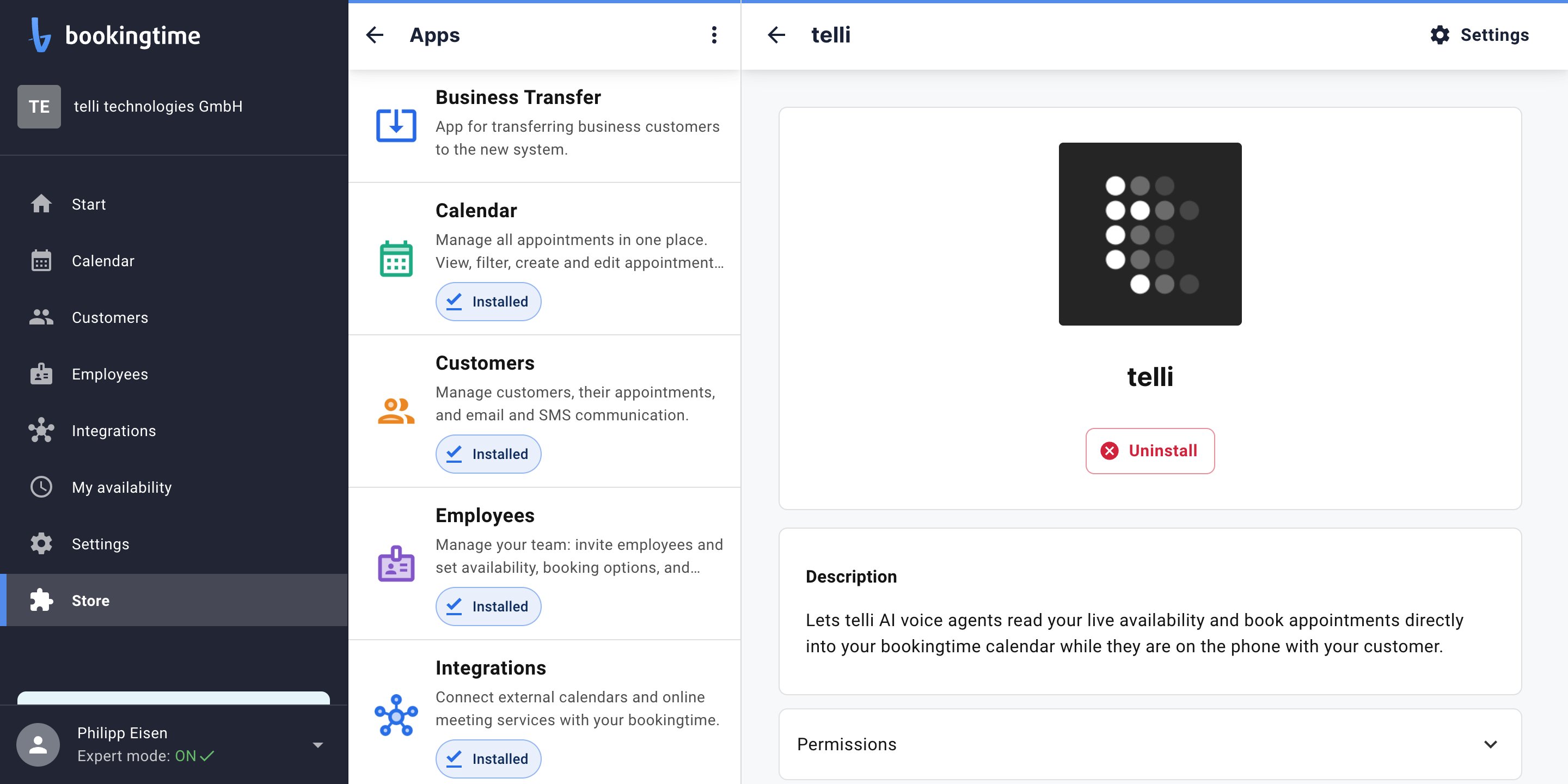
Install the app in every bookingtime organization you want telli to book into. An agent can only book into
organizations where the app is installed and that you connected in the step below.
Connect bookingtime in telli
1
Start the connection
In telli, go to Settings → Integrations, open bookingtime, and choose Connect.
2
Sign in to bookingtime
bookingtime asks you to sign in with your bookingtime login. This is how telli confirms which organizations are
yours: telli only ever sees the organizations that the account you sign in with is a member of.
3
Review your organizations
telli lists the organizations the connection proved, and you are returned to the integration page. If you belong
to several organizations, all of them are connected and you select an organization for each calendar.
If bookingtime reports that your user has no access, check that the telli app is installed in that organization
and that your bookingtime login is a member of it.
Set up an agent
1
Open the agent
Open the agent you want to configure in telli, then in Calendar Integration, select bookingtime.
2
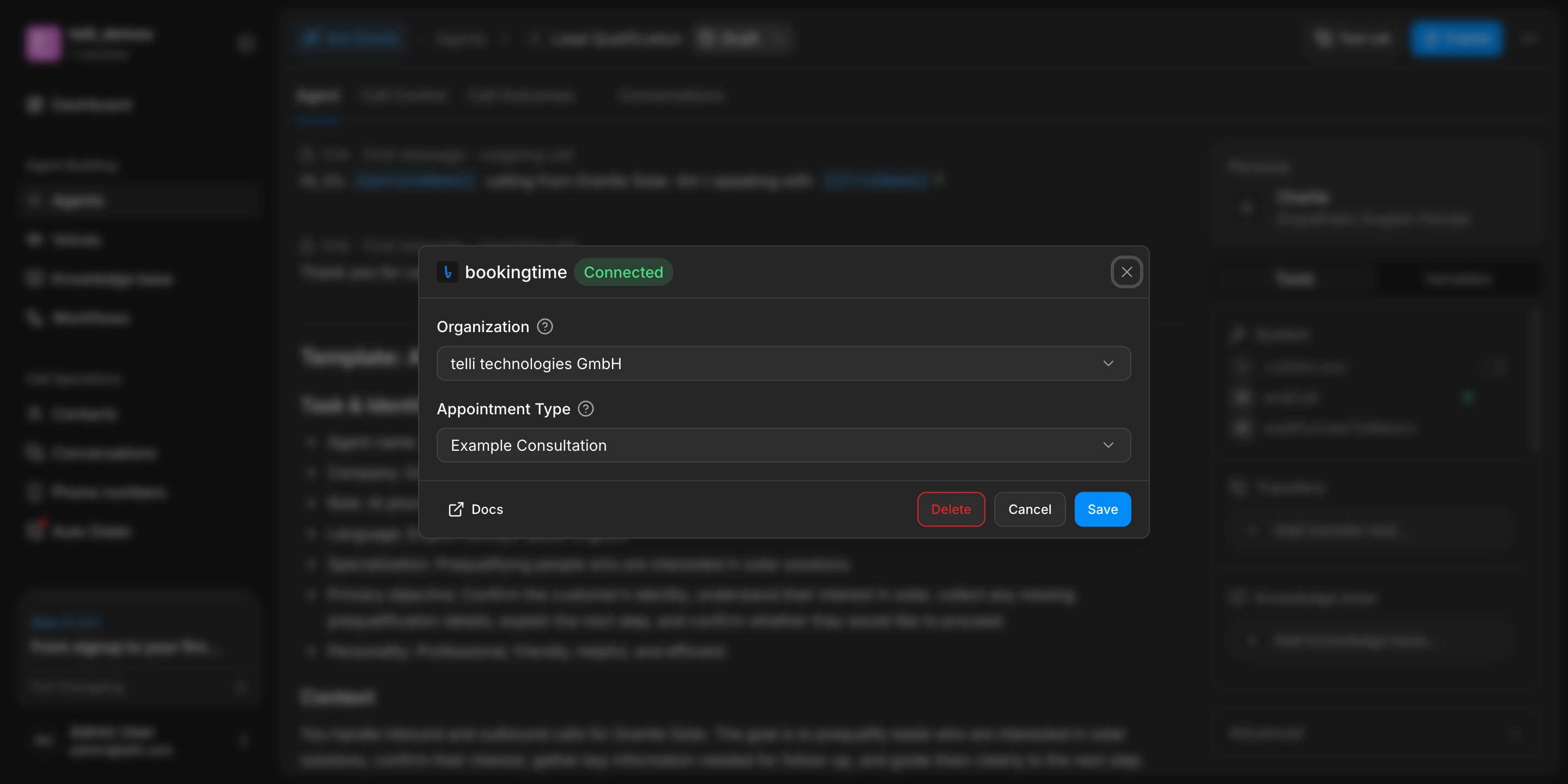
Choose the organization
For this calendar, select a bookingtime organization from the organizations you connected.
3
Choose the appointment type
telli loads the appointment types available in that organization. Pick the one this calendar should use. If your
organization has only one, telli selects it for you.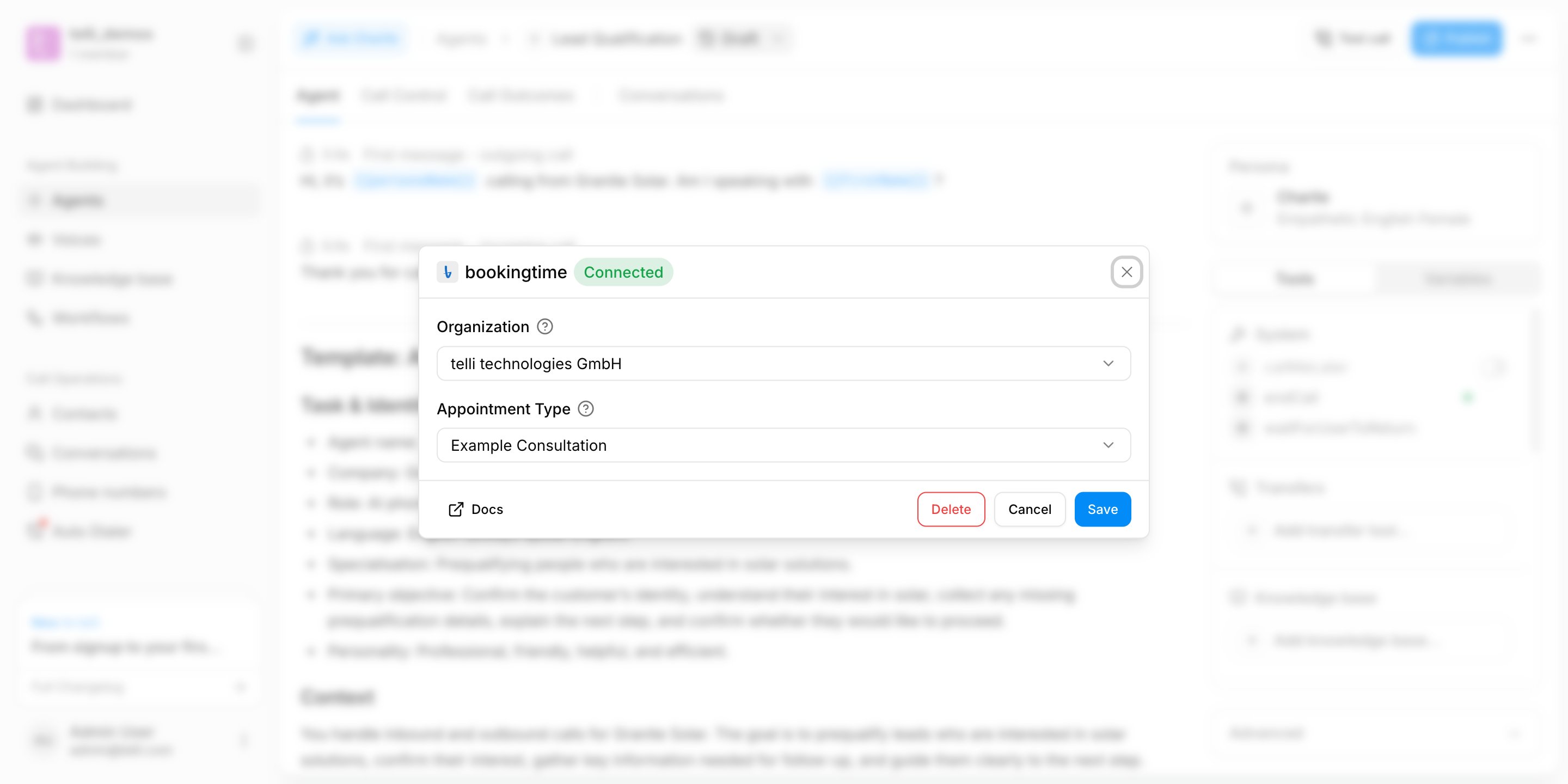
4
Save the agent
Save the agent so telli uses bookingtime during calls.
How booking works
- The agent reads bookable slots for the selected appointment type, covering the next 14 days
- When the caller picks a time, telli books it against your bookingtime calendar during the call
- The appointment appears in bookingtime immediately, and bookingtime sends its usual confirmation