

Events
Each event page documents its full payload, field by field.
Prerequisites
- A telli account with API access
- An endpoint URL that accepts POST requests, either from your own service or from an automation platform such as Zapier, Make, or n8n
Add an endpoint
1
Create an endpoint
In your own service or automation platform, create a URL that accepts POST requests and copy it.
2
Open the webhook portal
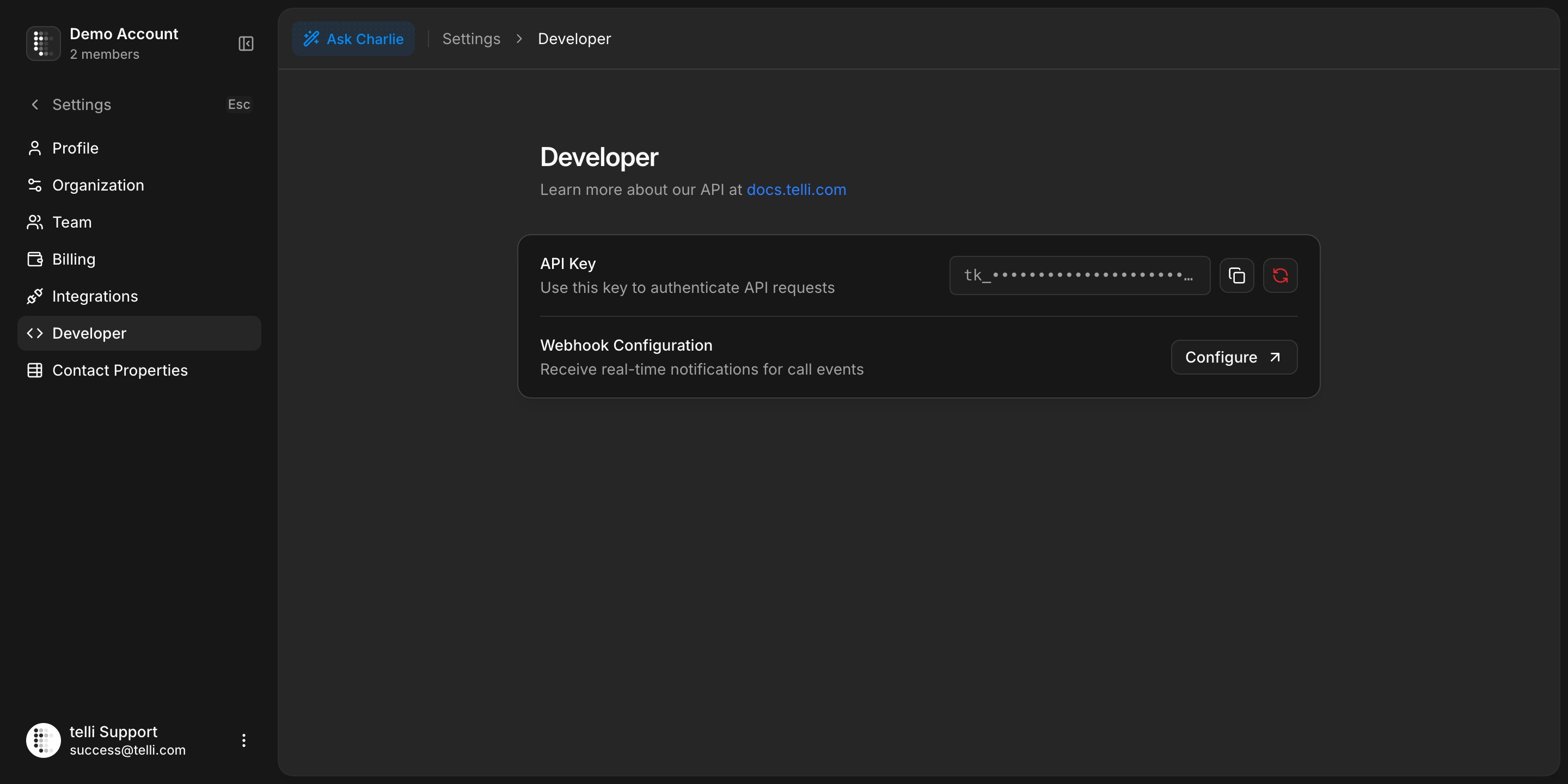
In telli, go to Settings > Developer and click Configure under Webhook configuration.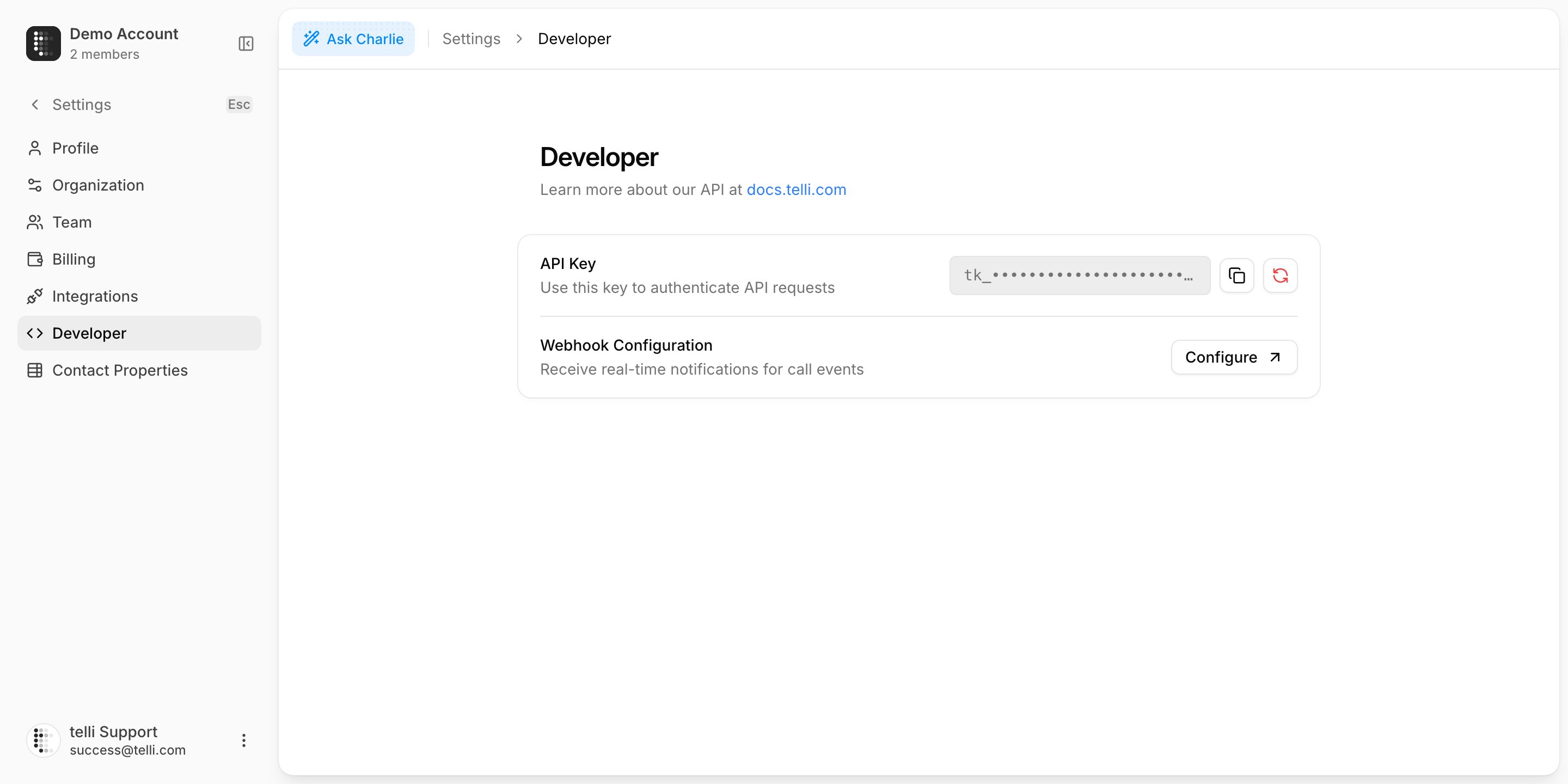
3
Add the URL
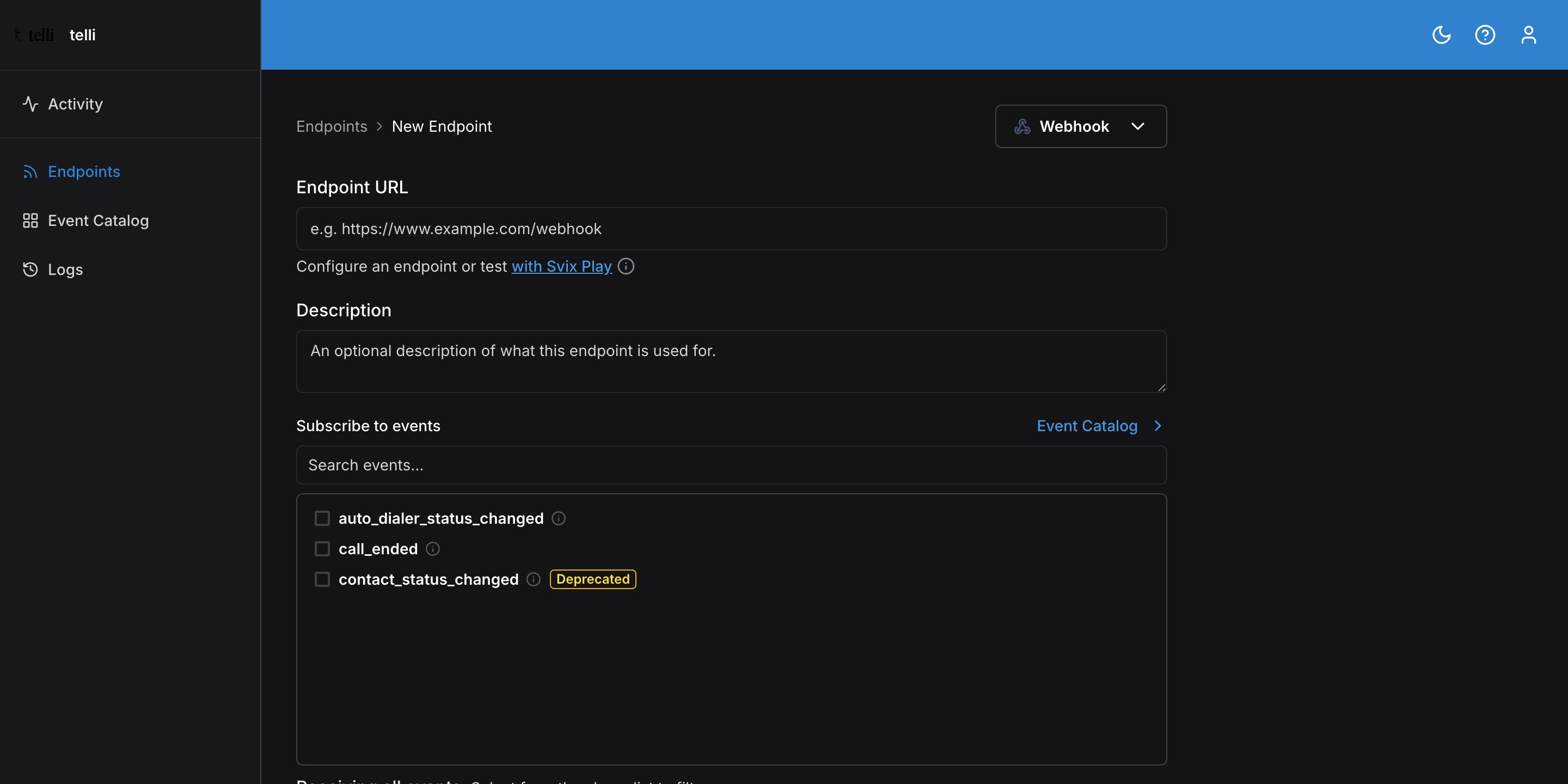
Click Add Endpoint, paste your URL, and click Add.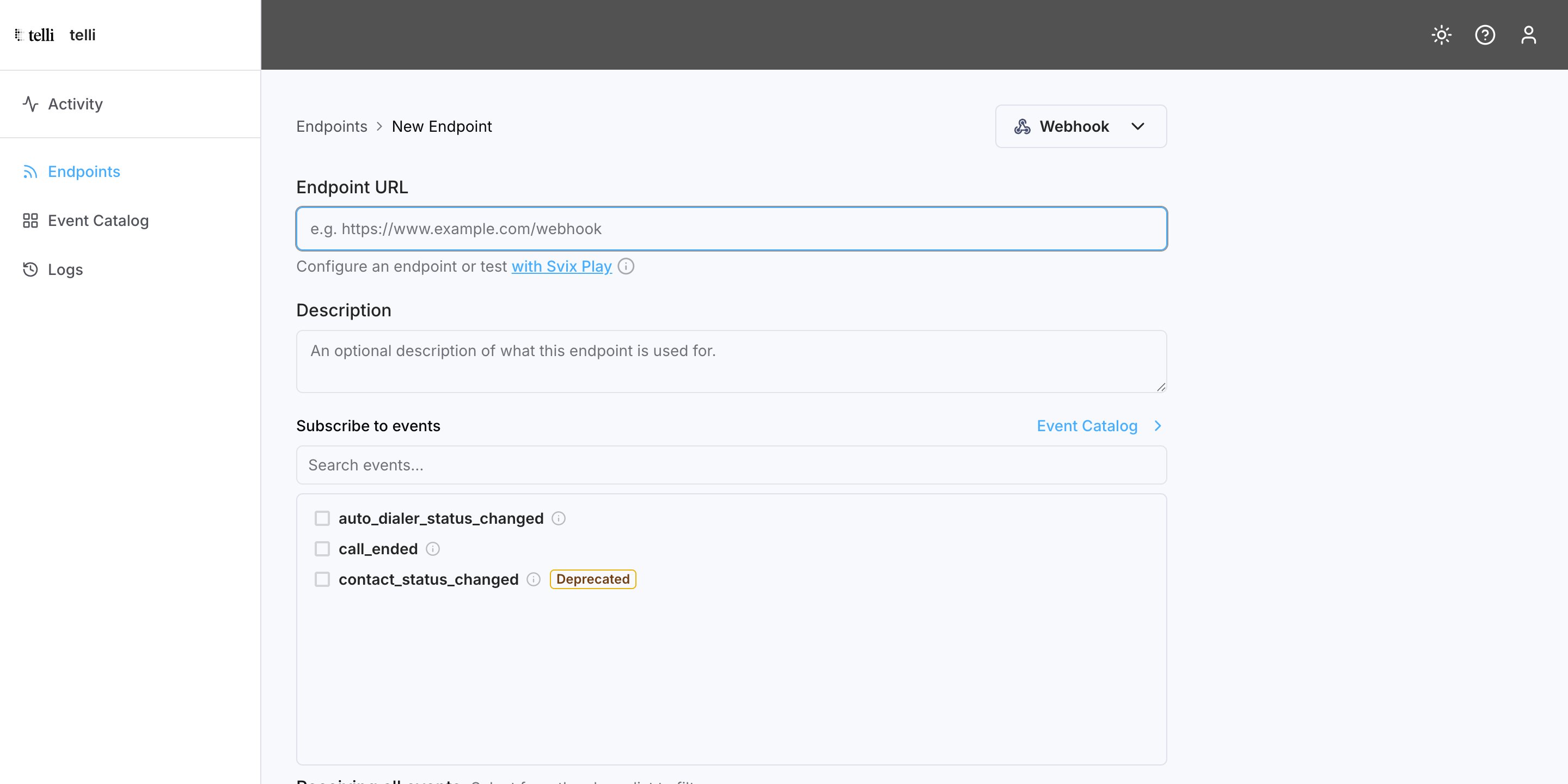
4
Select events
Enable the events this endpoint should receive. Leaving all of them enabled is fine — your handler can branch on the
event field.5
Test it
Place a test call from your telli account, then confirm the message was delivered in the webhook portal and that your system reacted as expected.
Acknowledge messages
Return any 2xx status code (200–299) within 15 seconds to mark a message as processed. Anything else — an error status, a timeout, a dropped connection — counts as a failure and the message is retried. If your processing takes longer than 15 seconds, acknowledge the message first and do the work asynchronously.Verify signatures
Every message is signed so you can confirm it came from telli and not from someone else posting to your URL. Verification is optional but recommended in production. See Svix’s explanation of why you should verify webhooks. Your signing secret is in the webhook portal, under Webhook configuration in the telli dashboard.Node.js example
Node.js example
Retries
Failed deliveries are retried automatically with exponential backoff. Each delay starts after the preceding attempt fails:
A message that fails three times before succeeding arrives roughly 35 minutes and 5 seconds after the first attempt. If an endpoint is removed or disabled, its pending delivery attempts stop.
You can also retry any message manually from the webhook portal, or use Recover to replay all failed messages from a given date.