Documentation Index
Fetch the complete documentation index at: https://docs.telli.com/llms.txt
Use this file to discover all available pages before exploring further.
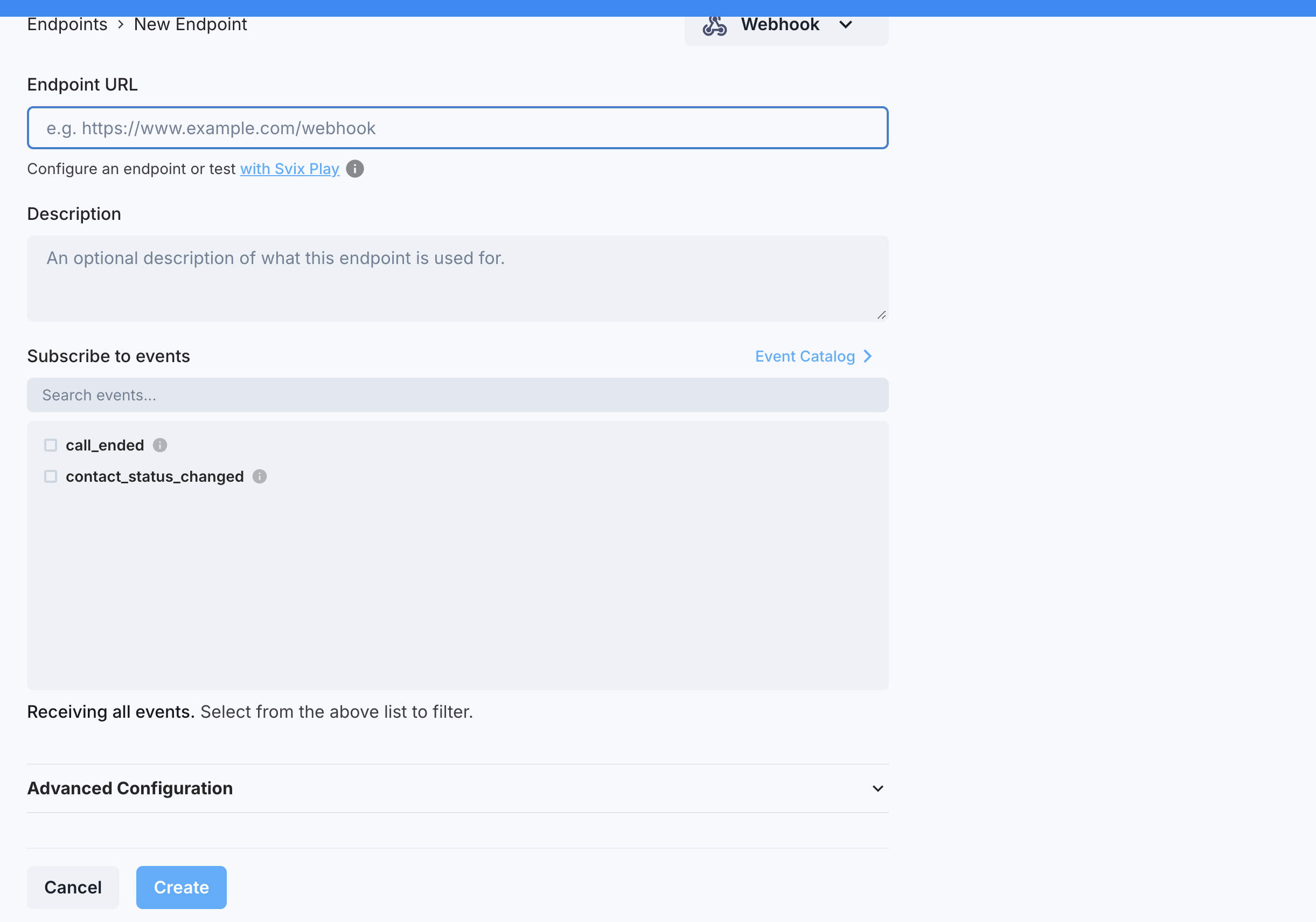
Adding an Endpoint
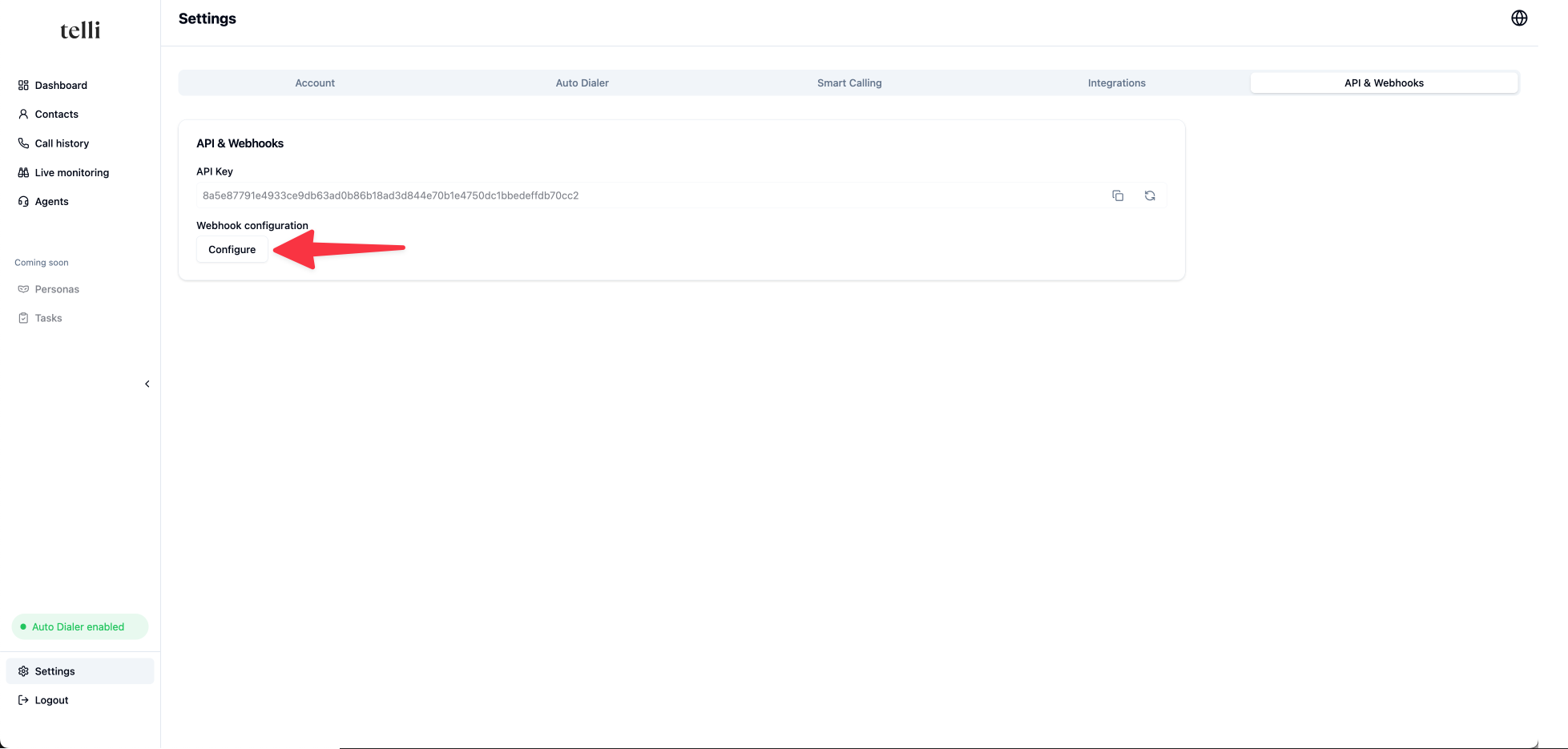
In order to start listening to messages, you will need to configure your endpoints. An endpoint is a URL that you control (e.g. a Zapier webhook URL). In the Settings go to the API & Webhooks section and click on “Configure” to get to the webhook portal.