

Overview
Custom SIP trunk integration allows you to bring your own phone numbers from external SIP providers to telli.Custom SIP trunks work alongside telli-provided numbers. Use both or either
based on your needs.
Configuration
To import a SIP number, configure both sides of the connection:- In telli, add the phone number, provider termination URI, SIP credentials, and transport protocol. These settings let telli place outbound calls through your provider.
- In your SIP provider, route inbound calls for that number to telli. Provider names differ, but the inbound destination is always:
Choose the transport protocol that matches your SIP provider’s trunk settings.
If your provider does not specify one, leave the default
TCP.
Adding a Custom SIP Trunk
1
Navigate to Phone Numbers
Go to the Phone Numbers section in your telli dashboard
2
Click Import Number
Click the Import Number button
3
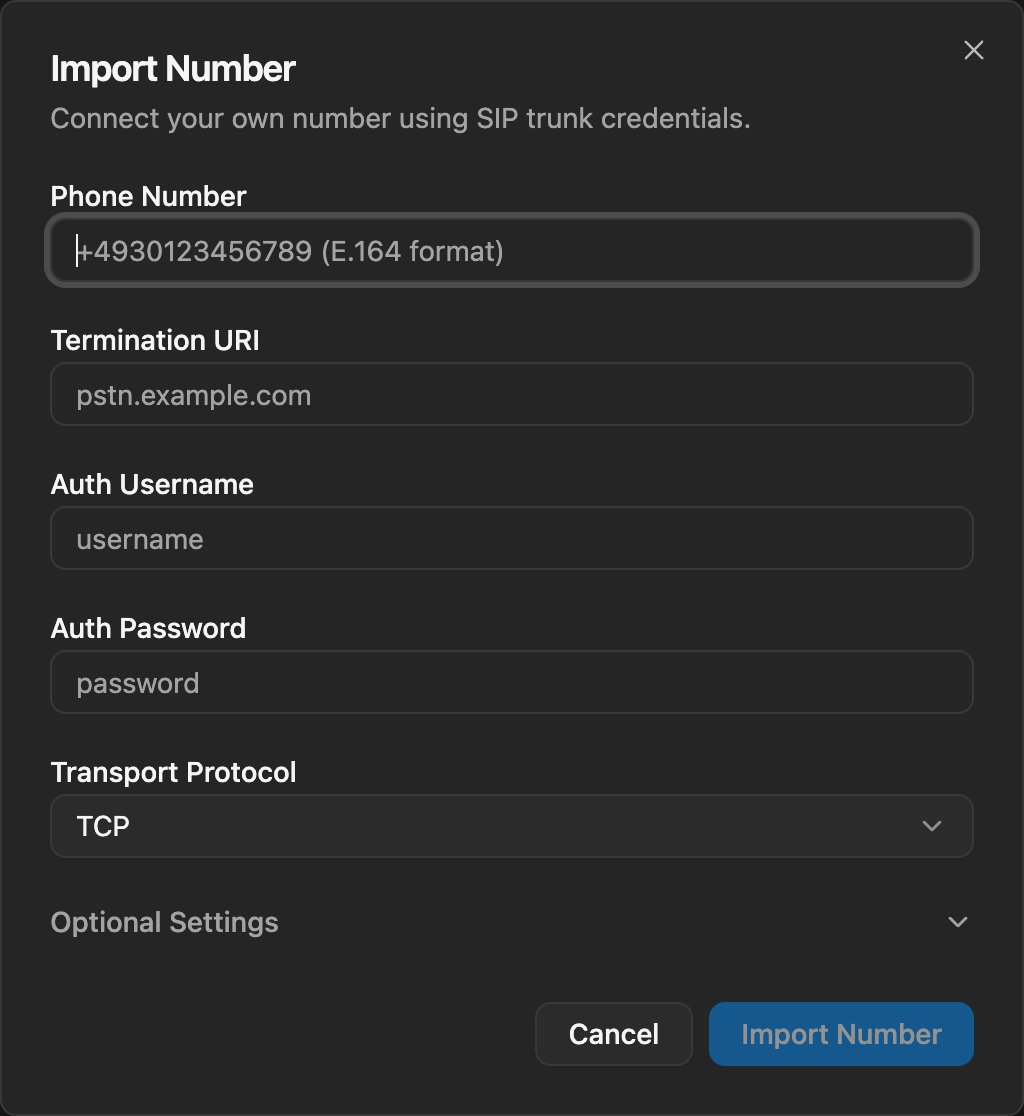
Enter Configuration
Fill in your phone number, SIP credentials, and transport protocol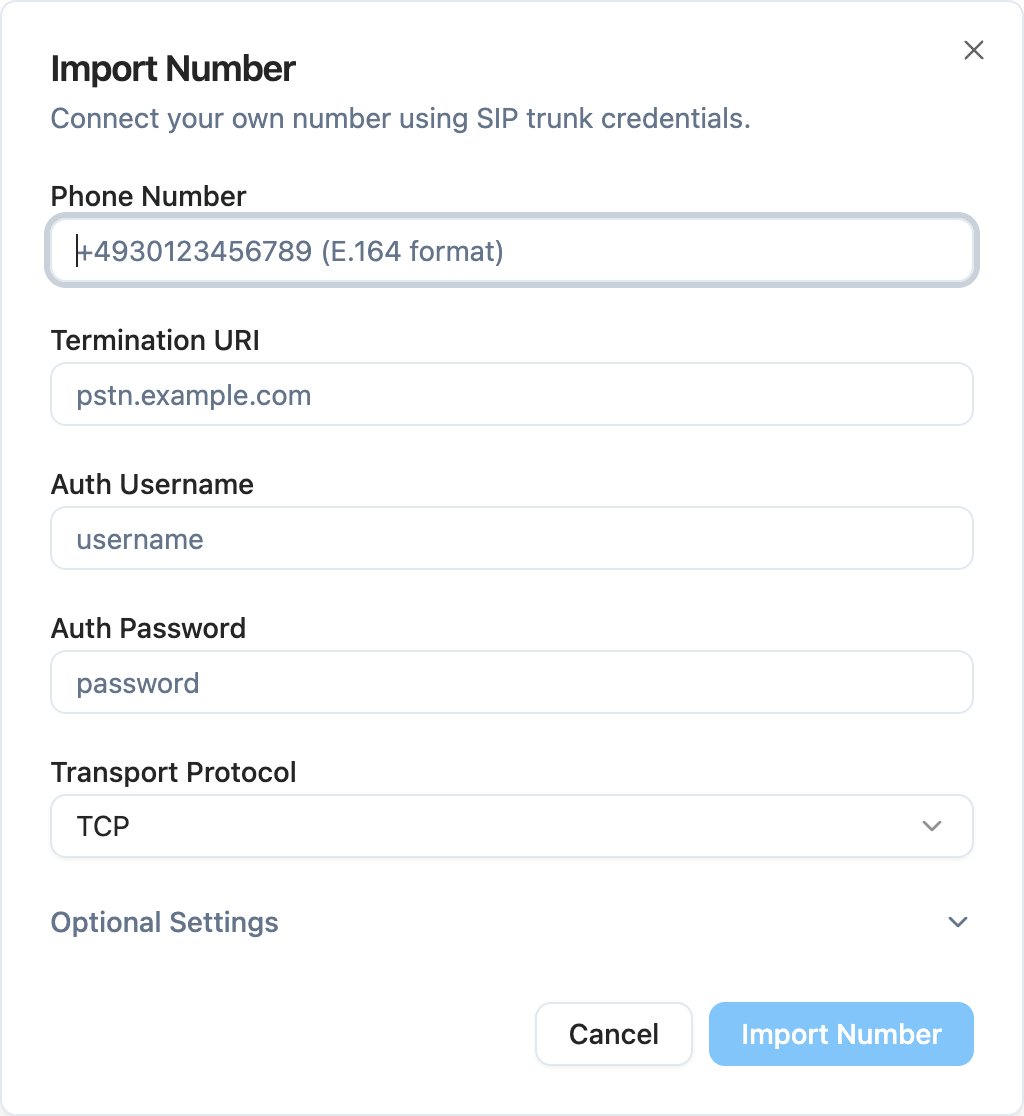
4
Save and Test
Click Import Number and test with a call
Provider Examples
Use these examples to map provider settings to the telli fields. Each provider setup includes inbound routing to telli and the outbound termination settings you enter in telli.Twilio Elastic SIP Trunking
1
Create or open an Elastic SIP Trunk
In Twilio Console, create an Elastic SIP Trunk or open the trunk used by
your imported number.
2
Route inbound calls to telli
Go to Origination and add
sip:axg8odfh9dw.sip.livekit.cloud as the
Origination URI.3
Configure outbound settings
Go to Termination and note the Termination URI, for example
your-trunk.pstn.twilio.com or your-trunk.pstn.frankfurt.twilio.com.
Under Authentication > Credentials, create a username and password.4
Assign the phone number
Make sure your phone number is assigned to this trunk.
5
Add to telli
In telli, enter your phone number, the Twilio Termination URI without
sip:, the Twilio credentials, and the transport protocol configured for
your trunk.Telnyx
1
Create an FQDN SIP connection
In Telnyx, create a SIP connection and select the FQDN connection type.
2
Route inbound calls to telli
In Authentication and Routing, add
axg8odfh9dw.sip.livekit.cloud as
an FQDN and set DNS Record Type to SRV. Do not include the sip:
prefix in this Telnyx field.3
Set number formatting
Set both Destination Number Format and Origination Number Format to
+E.164.
4
Configure outbound credentials
Configure credential-based authentication with a username and password.
5
Assign the phone number
Make sure your phone number uses this Telnyx SIP connection.
6
Add to telli
In telli, enter your phone number,
sip.telnyx.com as the Termination URI
without sip:, the Telnyx credentials, and the transport protocol
configured for your SIP connection.