> ## Documentation Index
> Fetch the complete documentation index at: https://docs.telli.com/llms.txt
> Use this file to discover all available pages before exploring further.
# SIP numbers
> Connect your existing SIP providers to telli
## Overview
Custom SIP trunk integration allows you to bring your own phone numbers from external SIP providers to telli.
Custom SIP trunks work alongside telli-provided numbers. Use both or either
based on your needs.
## Configuration
To import a SIP number, configure both sides of the connection:
* In telli, add the phone number, provider termination URI, SIP credentials,
and transport protocol. These settings let telli place outbound calls through
your provider.
* In your SIP provider, route inbound calls for that number to telli. Provider
names differ, but the inbound destination is always:
```text theme={null}
sip:axg8odfh9dw.sip.livekit.cloud
```
When you add the number in telli, you'll need:
| Field | Description | Example |
| ---------------------- | ---------------------------------------------------------------------------------------- | ------------------- |
| **Phone Number** | Your phone number in +E.164 format | `+14155551234` |
| **Termination URI** | Provider hostname for outbound calls | `pstn.provider.com` |
| **Auth Username** | SIP authentication username | `user123` |
| **Auth Password** | SIP authentication password | `securepass456` |
| **Transport Protocol** | SIP transport protocol. Supported values are `TCP`, `UDP`, and `TLS`. Defaults to `TCP`. | `TCP` |
Do not include the `sip:` protocol prefix in the Termination URI. Use only the
hostname or IP address. The inbound destination in your SIP provider does use
the `sip:` prefix.
Choose the transport protocol that matches your SIP provider's trunk settings.
If your provider does not specify one, leave the default `TCP`.
### Adding a Custom SIP Trunk
Go to the **Phone Numbers** section in your telli dashboard
Click the **Import Number** button
Fill in your phone number, SIP credentials, and transport protocol
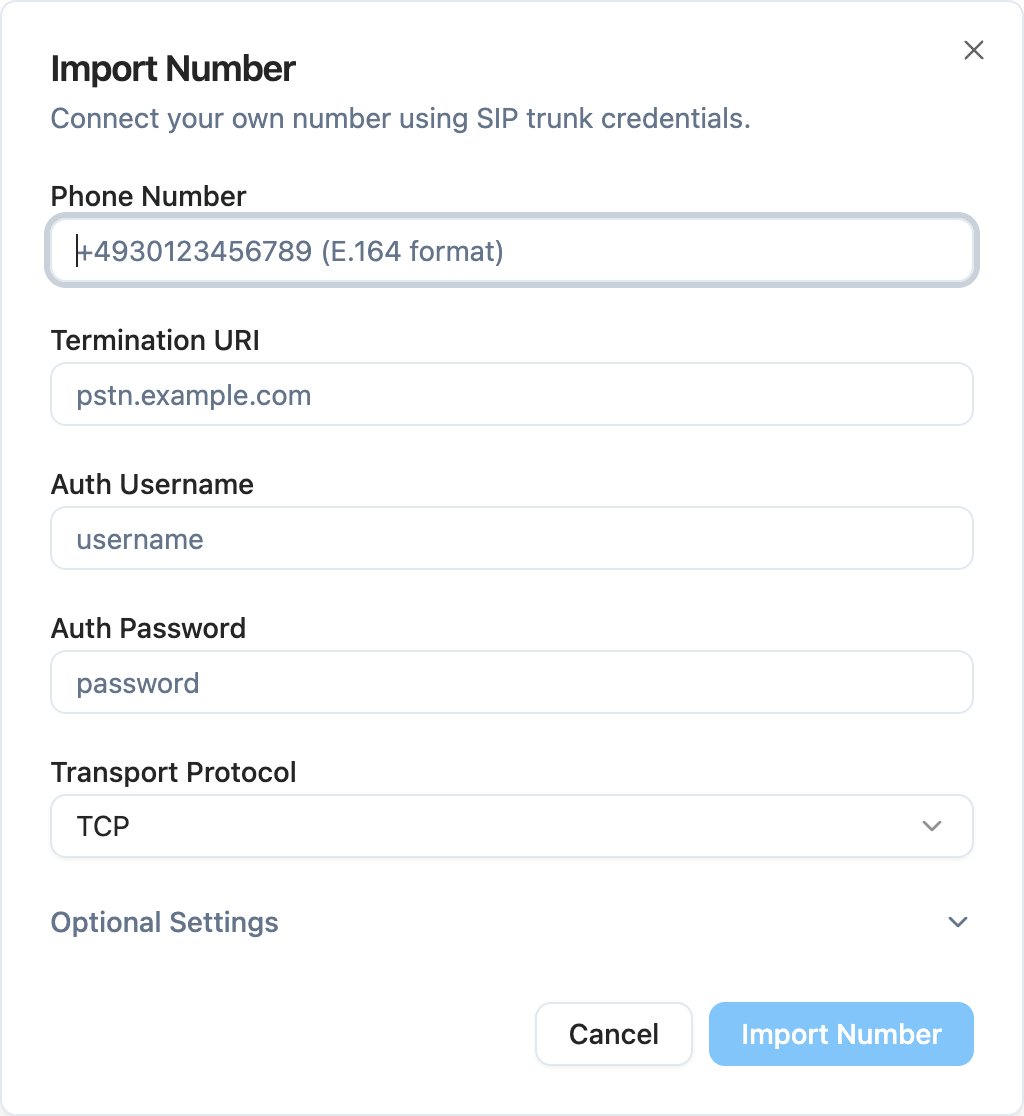
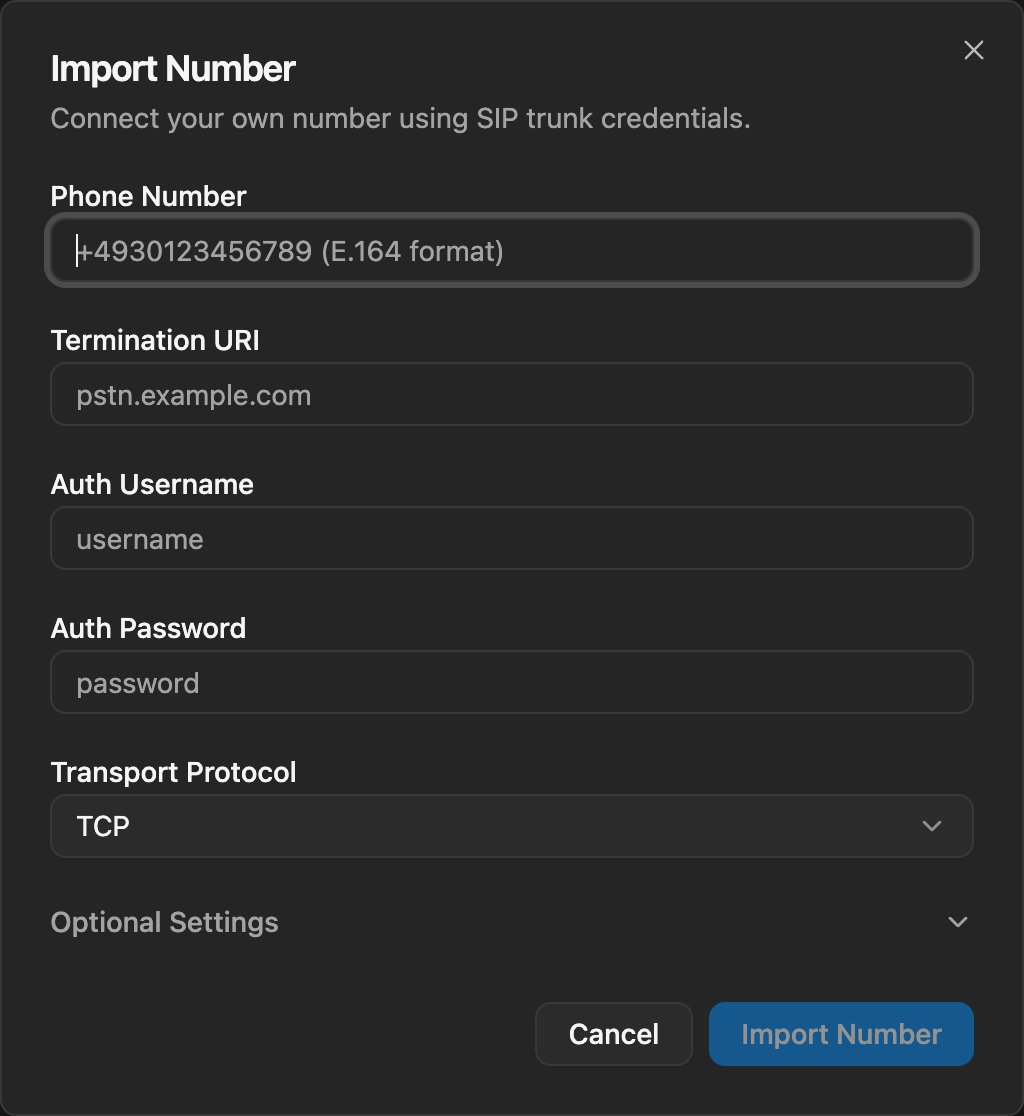 Click **Import Number** and test with a call
## Provider Examples
Use these examples to map provider settings to the telli fields. Each provider
setup includes inbound routing to telli and the outbound termination settings
you enter in telli.
### Twilio Elastic SIP Trunking
In Twilio Console, create an Elastic SIP Trunk or open the trunk used by
your imported number.
Go to **Origination** and add `sip:axg8odfh9dw.sip.livekit.cloud` as the
Origination URI.
Go to **Termination** and note the Termination URI, for example
`your-trunk.pstn.twilio.com` or `your-trunk.pstn.frankfurt.twilio.com`.
Under **Authentication > Credentials**, create a username and password.
Make sure your phone number is assigned to this trunk.
In telli, enter your phone number, the Twilio Termination URI without
`sip:`, the Twilio credentials, and the transport protocol configured for
your trunk.
### Telnyx
In Telnyx, create a SIP connection and select the **FQDN** connection type.
In **Authentication and Routing**, add `axg8odfh9dw.sip.livekit.cloud` as
an FQDN and set **DNS Record Type** to **SRV**. Do not include the `sip:`
prefix in this Telnyx field.
Set both **Destination Number Format** and **Origination Number Format** to
**+E.164**.
Configure credential-based authentication with a username and password.
Make sure your phone number uses this Telnyx SIP connection.
In telli, enter your phone number, `sip.telnyx.com` as the Termination URI
without `sip:`, the Telnyx credentials, and the transport protocol
configured for your SIP connection.
Click **Import Number** and test with a call
## Provider Examples
Use these examples to map provider settings to the telli fields. Each provider
setup includes inbound routing to telli and the outbound termination settings
you enter in telli.
### Twilio Elastic SIP Trunking
In Twilio Console, create an Elastic SIP Trunk or open the trunk used by
your imported number.
Go to **Origination** and add `sip:axg8odfh9dw.sip.livekit.cloud` as the
Origination URI.
Go to **Termination** and note the Termination URI, for example
`your-trunk.pstn.twilio.com` or `your-trunk.pstn.frankfurt.twilio.com`.
Under **Authentication > Credentials**, create a username and password.
Make sure your phone number is assigned to this trunk.
In telli, enter your phone number, the Twilio Termination URI without
`sip:`, the Twilio credentials, and the transport protocol configured for
your trunk.
### Telnyx
In Telnyx, create a SIP connection and select the **FQDN** connection type.
In **Authentication and Routing**, add `axg8odfh9dw.sip.livekit.cloud` as
an FQDN and set **DNS Record Type** to **SRV**. Do not include the `sip:`
prefix in this Telnyx field.
Set both **Destination Number Format** and **Origination Number Format** to
**+E.164**.
Configure credential-based authentication with a username and password.
Make sure your phone number uses this Telnyx SIP connection.
In telli, enter your phone number, `sip.telnyx.com` as the Termination URI
without `sip:`, the Telnyx credentials, and the transport protocol
configured for your SIP connection.