> ## Documentation Index
> Fetch the complete documentation index at: https://docs.telli.com/llms.txt
> Use this file to discover all available pages before exploring further.
# Charlie
> Meet Charlie, the AI assistant built into telli that builds agents, automates workflows, and analyzes your calls with you
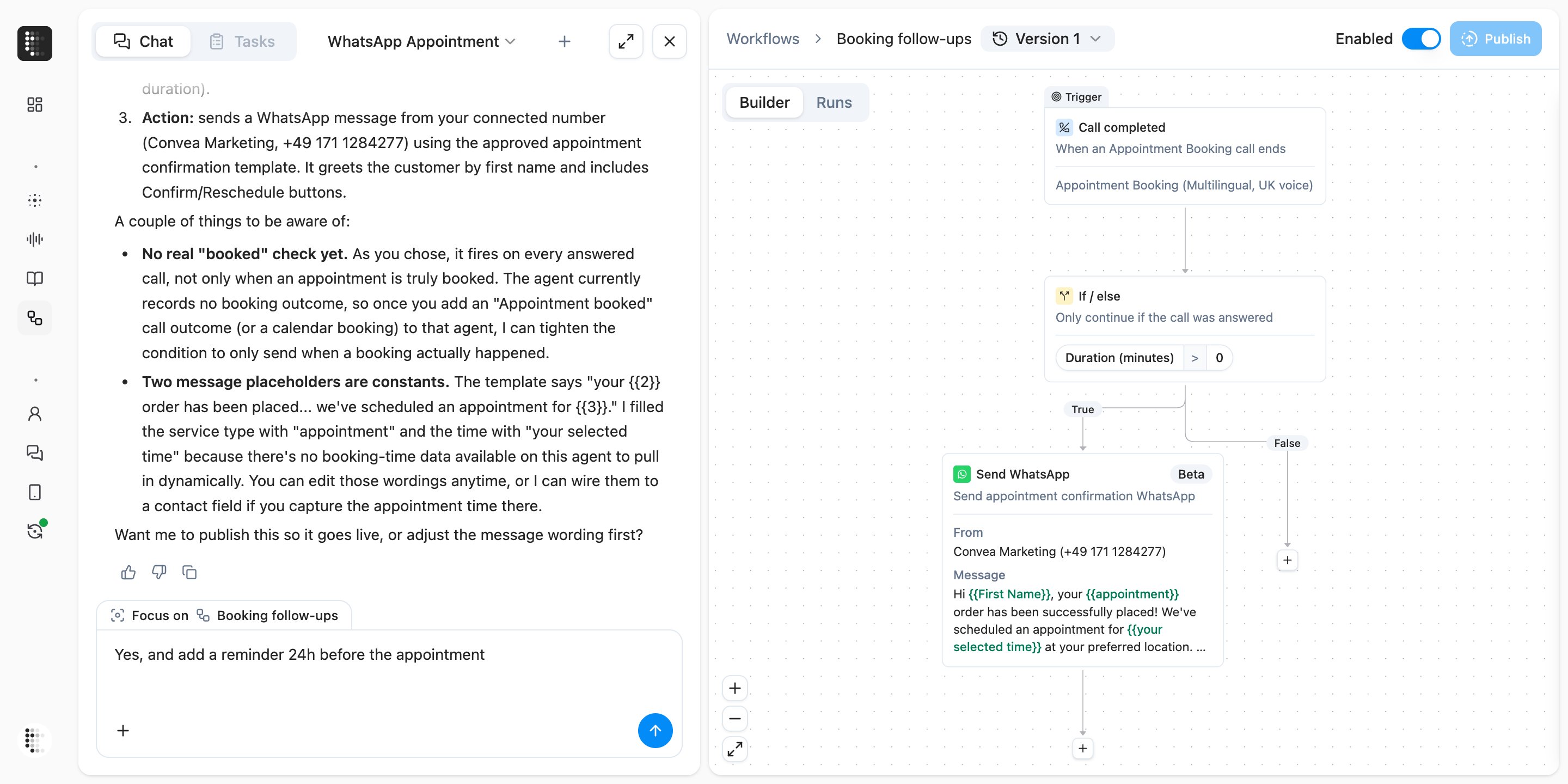
**Charlie** is the AI assistant built into telli. Describe what you want in plain language, and Charlie does the work with you: it builds and refines agents, sets up workflows, digs through past calls, and answers questions about your account. Agent and workflow changes stay drafts until you review and approve them.
## Where you find Charlie
Charlie is one shortcut away on every page: press `Cmd+J` (`Ctrl+J` on Windows) or click **Ask Charlie** in the header. A new conversation picks up the agent or workflow you have open, so you don't have to re-explain the context. Conversations have direct URLs, so you can bookmark one and reopen it from any page.
The chat takes more than typed text: drop in files like a transcript, a script document, or a screenshot, or use voice input to talk through what you want.
## What Charlie can do
### Build and refine agents
In the [Agent Builder](/deep-dives/agent-builder), Charlie sits in the chat panel next to the prompt editor. It drafts prompt edits that appear inline for you to accept or reject, adjusts call behavior like voicemail detection, recording, transfers, and dialing strategy, sets up [call outcomes](/deep-dives/call-analysis), and connects tools, calendars, and knowledge bases. When you sign up and provide your company website, Charlie researches your company and builds your first agent with you.
### Build workflows
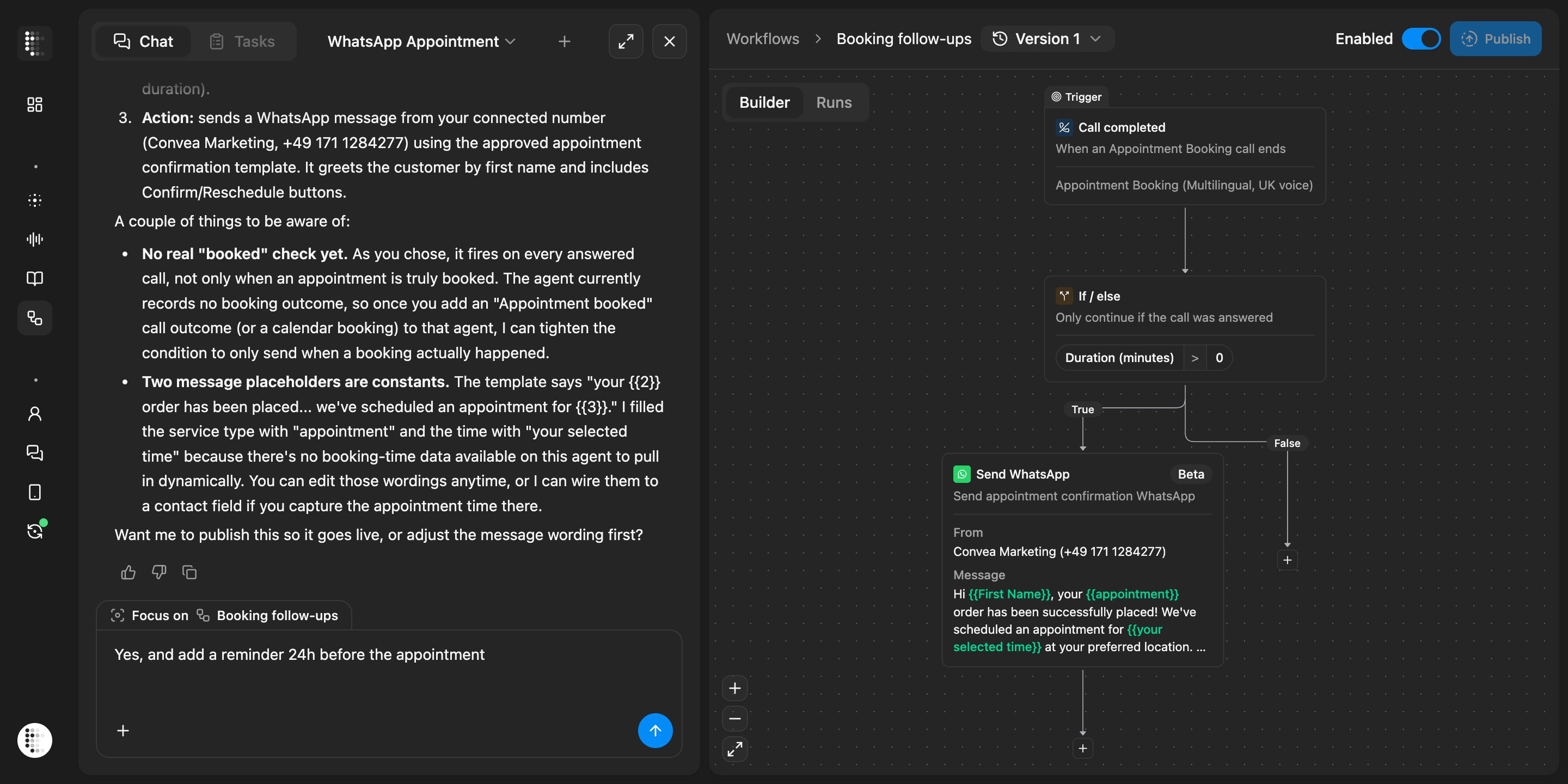
Charlie creates and edits [workflows](/platform/workflows) directly from chat — it drops in the trigger, condition, and action blocks, asks a clarifying question when it needs one, and proposes the publish before anything goes live.
### Analyze calls and performance
Charlie searches past calls by date, outcome, transcript content, or tool errors, pulls full transcripts into the chat, and summarizes results across your account. From [Conversation History](/platform/call-history), you can select the exact transcript turns that need work and open Charlie with them already attached, turning a bad call moment into a concrete improvement.
### Find your way around
Ask where to find or configure something and Charlie takes you to the right page. Its answers link agents, workflows, and calls inline, so anything it mentions is one click away.
## You stay in control
Charlie proposes; you decide.
* **Every edit is a draft.** Prompt edits appear as inline diffs you accept or reject — individually or all at once — and every agent or workflow change lands in the draft. The live version keeps running until you publish.
* **Checkpoints.** While you work on an agent in the Builder, Charlie saves checkpoints so you can roll back within that session in one click.
* **No surprise publishes.** Charlie never publishes an agent or workflow on its own — it always asks first.
## Charlie beyond the app
Mention Charlie in a channel to ask about agents, calls, and results without leaving Slack.
Message Charlie directly or add it to a conversation in Teams.
Connect Claude, ChatGPT, Cursor, and other AI tools to Charlie through the telli MCP server.
## Learn more
A step-by-step guide to reviewing and improving an agent with Charlie.
Advanced workflows, example prompts, and best practices.